A visual language every little chef can follow
Three mechanics do the work, informed by Montessori-style practical-life principles and visual learning.
Zero-Text Navigation
Every recipe is broken into clear visual steps. Each screen focuses on one real-life action, with optional sound and spoken guidance. Nothing has to be read, so a young child, a pre-reader or another visual learner can move through a real recipe at their own pace with a grown-up nearby.
- One picture, one action, one tap per step
- Clear visual guidance with optional spoken instructions
- Child controls the tempo, no timers rushing them
- Grown-up moments clearly flagged

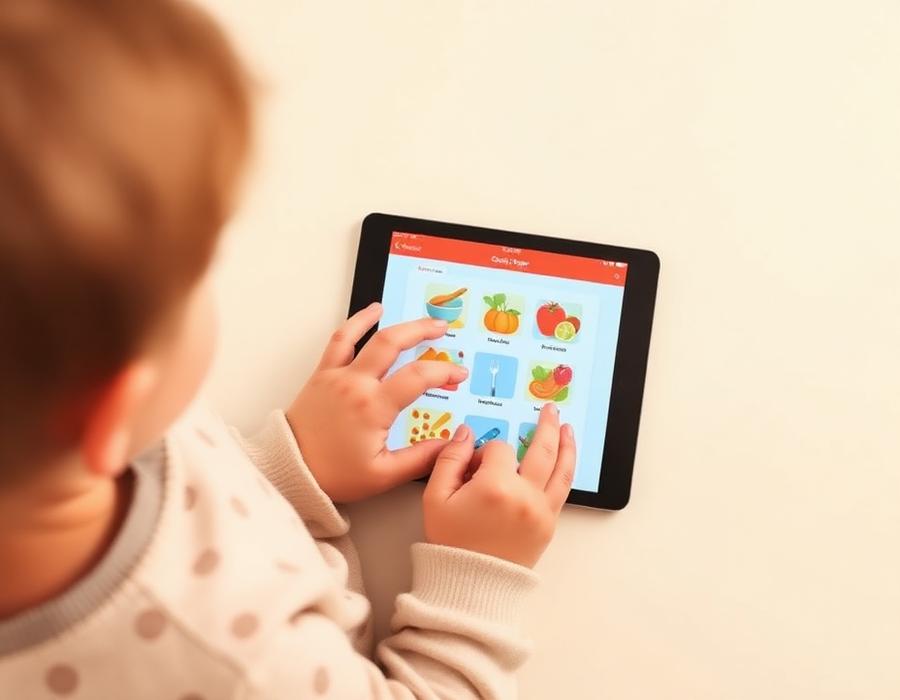
Interactive Kitchen Soundboard
Tap a tool or ingredient card to hear it named clearly. Optional audio supports kitchen vocabulary while the visual cards keep the experience usable without reading.
- Optional sound and narration
- Tools and ingredients organised visually
- Designed for pre-readers and visual learners
- No microphone or child voice recording required

Parent-Approved Settings
Grown-up controls sit behind a grown-up check. Inside, a grown-up can manage profiles, app settings, subscriptions and Kitchen Chat.
- Playful Milestone Mode or Montessori Realistic Mode
- Profile and app settings
- Adult-supervision markers on any step that needs one
- No advertising; purchases stay behind the grown-up gate
Try it with your own little chef
Eligible customers receive seven days free on either plan through Apple In-App Purchase.
Subscriptions on iPhone and iPad are billed through Apple In-App Purchase and renew automatically until cancelled in Apple Account settings. Terms of Use · Privacy Policy